The single fastest way to lose money in crypto is not bad trading, bad timing, or a market crash. It is keeping funds in the wrong wallet, signing the wrong transaction, or trusting the wrong website. Every week, ordinary users lose entire balances to wallet drainer scams that take 30 seconds to execute. The defense is not technical wizardry. It is a few specific habits that anyone can learn in an afternoon and apply for the rest of their crypto life.
This piece covers how to set up a non-custodial wallet specifically for online spending, why exchange custody is the wrong default, the most common scams that empty wallets, and the everyday discipline that keeps your funds safe.
Why Exchange Custody Is the Wrong Default
Most people enter crypto by buying coins on Coinbase, Kraken, or Binance and leaving them there. The exchange feels like a bank. The interface is familiar. There is a help desk if something goes wrong. So why move the funds?
Because the exchange is not your wallet. It is a custodian holding your funds on your behalf. That distinction matters in three concrete ways.
First, exchanges get hacked, freeze accounts during regulatory pressure, or simply collapse (FTX, Celsius, Mt. Gox, the list is long). When that happens, customer funds become creditor claims in a multi-year bankruptcy.
Second, exchanges build full identity profiles tied to every coin you receive and send. Every withdrawal you make and every transaction tied back to your verified identity becomes part of a permanent surveillance record.
Third, exchanges restrict what you can do with your own coins. Withdrawals get delayed, addresses get blocklisted, and certain destinations (privacy services, gambling platforms, mixing tools) get flagged or refused outright.
The principle that fixes all of this is simple: not your keys, not your coins. A non-custodial wallet means you hold the private keys yourself. The exchange becomes just an on-ramp, not a storage vault.
Setting Up a Non-Custodial Wallet for Online Spending
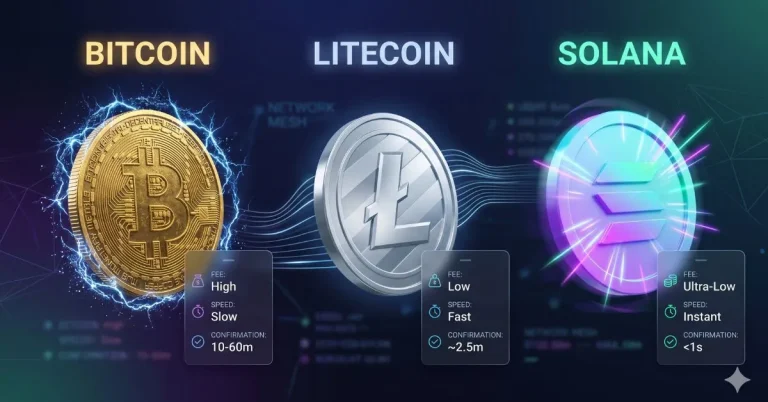
The right setup depends on which networks you actually use. For most people who want to pay with crypto online, three wallets cover essentially every use case.
For Bitcoin: Sparrow (desktop) or Phoenix (mobile, Lightning-capable). Both are open-source, widely audited, and built specifically for Bitcoin.
For Ethereum and EVM chains (Ethereum, Arbitrum, Base, Polygon, Optimism): MetaMask is the default, though Rabby has become a strong alternative with better transaction simulation features that catch malicious approvals before you sign them.
For Solana: Phantom is the standard. Backpack and Solflare are reasonable alternatives.
Setup process is the same across all of them: download from the official source (always verify the URL, fake wallet apps in app stores have stolen millions), generate a new wallet, write down the seed phrase on physical paper or stamped metal, and never type it into anything connected to the internet again.
The seed phrase is the single most important piece of information in your crypto life. Anyone who sees it owns your funds permanently. Storage rules: write it down, store it somewhere physical, never photograph it, never paste it into a password manager that syncs to the cloud, never type it into any website regardless of how legitimate the prompt looks.
The Two-Wallet Architecture
The single most useful security habit for anyone who pays with crypto online is keeping two separate wallets.
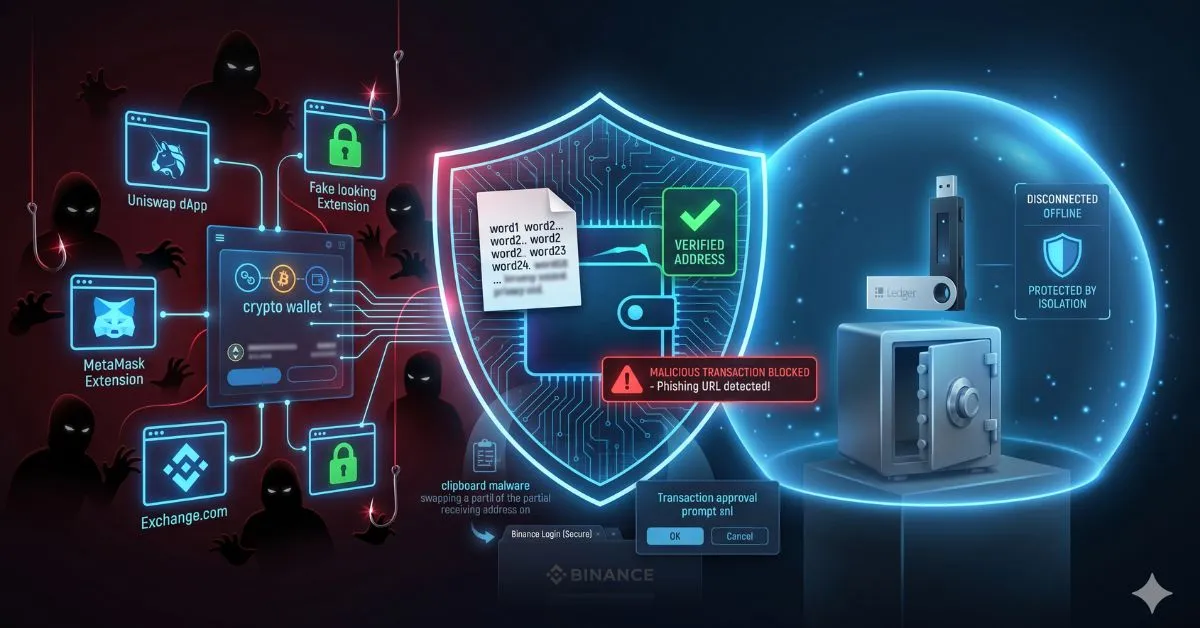
Cold wallet (savings): A hardware wallet like Ledger or Trezor that holds the bulk of your funds. Never connects to random websites. Only used to receive deposits and occasionally move funds to the spending wallet. Most of your balance lives here.
Hot wallet (spending): A software wallet on your phone or browser that holds only what you plan to spend in the near term. This is the wallet you connect to gambling sites, online merchants, and dApps. If it gets drained, you lose only what was in it.
The discipline is: never connect your cold wallet to anything except your hardware-confirmed transactions. Never store more in your hot wallet than you can afford to lose entirely. The architecture turns “wallet drained” from a catastrophe into a manageable inconvenience.
How Wallet Drainer Scams Actually Work
The vast majority of crypto theft happens through one of four mechanisms. Knowing them by sight is the entire defense.
Phishing sites. A scammer creates a fake version of a real site (decentralized exchange, NFT marketplace, gambling platform) at a slightly different URL. You connect your wallet, sign what looks like a normal transaction, and it actually authorizes the scammer to drain your tokens. Always verify URLs character by character. Bookmark sites you use regularly. Never click crypto-related links from emails, social media, or chat.
Malicious token approvals. Even on legitimate sites, signing a token approval can give a smart contract permission to spend your tokens forever. Drainers exploit users who blindly click approve without reading what they are approving. Use wallets like Rabby that simulate transactions and warn when an approval is suspiciously broad.
Seed phrase social engineering. Someone messages you claiming to be customer support, a wallet developer, or a project team. They ask for your seed phrase to “verify your account” or “fix a problem.” Real support never asks for seed phrases. Anyone who does is a scammer. No exceptions.
Clipboard malware. Malware on your computer monitors your clipboard. When you copy a crypto address to send funds, the malware swaps it for the attacker’s address. Defense: always verify the first and last 4 to 6 characters of the destination address match what you intended to send to, immediately before clicking confirm.
Browser and Device Hygiene
The wallet itself is only part of the security stack. The device running it matters too.
Use a dedicated browser profile (or separate browser entirely) for crypto activity. Disable auto-fill for crypto sites. Avoid installing browser extensions you do not fully trust, because malicious extensions can read every page you visit including your wallet.
Keep your operating system and browser updated. Most wallet exploits target known vulnerabilities that patches have already fixed.
Never access your wallet from public Wi-Fi without a VPN. Never access it from a device shared with anyone else. Treat your phone or laptop with crypto wallets installed as a high-value target, because that is exactly what it is.
For larger holdings, a dedicated device used only for crypto (an old laptop reformatted, or an inexpensive new one) is worth the cost. The fewer non-essential applications running on the device, the smaller the attack surface.
The Everyday Habits That Keep Funds Safe
The complete checklist comes down to a small number of repeatable behaviors.
Verify URLs every time. Bookmark frequently used sites. Never click crypto links from outside sources.
Keep your spending wallet topped up only with what you need for the immediate session. Move funds back to cold storage when you are done.
Verify destination addresses character by character before signing. Clipboard malware is the silent killer of careless users.
Read every transaction prompt before signing. If a transaction asks for permissions that do not match what you are doing, reject it.
Treat your seed phrase like the only copy of a deed to your house. Physical, offline, never digitized.
Never share your screen during a wallet interaction. Screen recording exploits exist.
Never enter a seed phrase anywhere except the wallet’s own recovery flow. Not customer support, not a “wallet sync” tool, not an app that promises to “import” your wallet.
These habits become automatic within a few weeks of practice. Once they are automatic, the practical risk of getting drained drops to near zero, even when you actively use your wallet on dozens of sites.
The follow-up read for sports bettors specifically is the deeper coverage on sportsbook custody risk, hardware wallet use for active betting bankrolls, and the security tradeoffs between centralized and decentralized betting platforms. The wallet protects what is in your possession. The platform protects (or fails to protect) what you have deposited. Both layers matter, and serious players think about both deliberately.